
How Pictolead works
You set up the event in a minute, guests join with a QR, and when it ends you leave with rights-cleared photos, opted-in leads and a report that proves it.
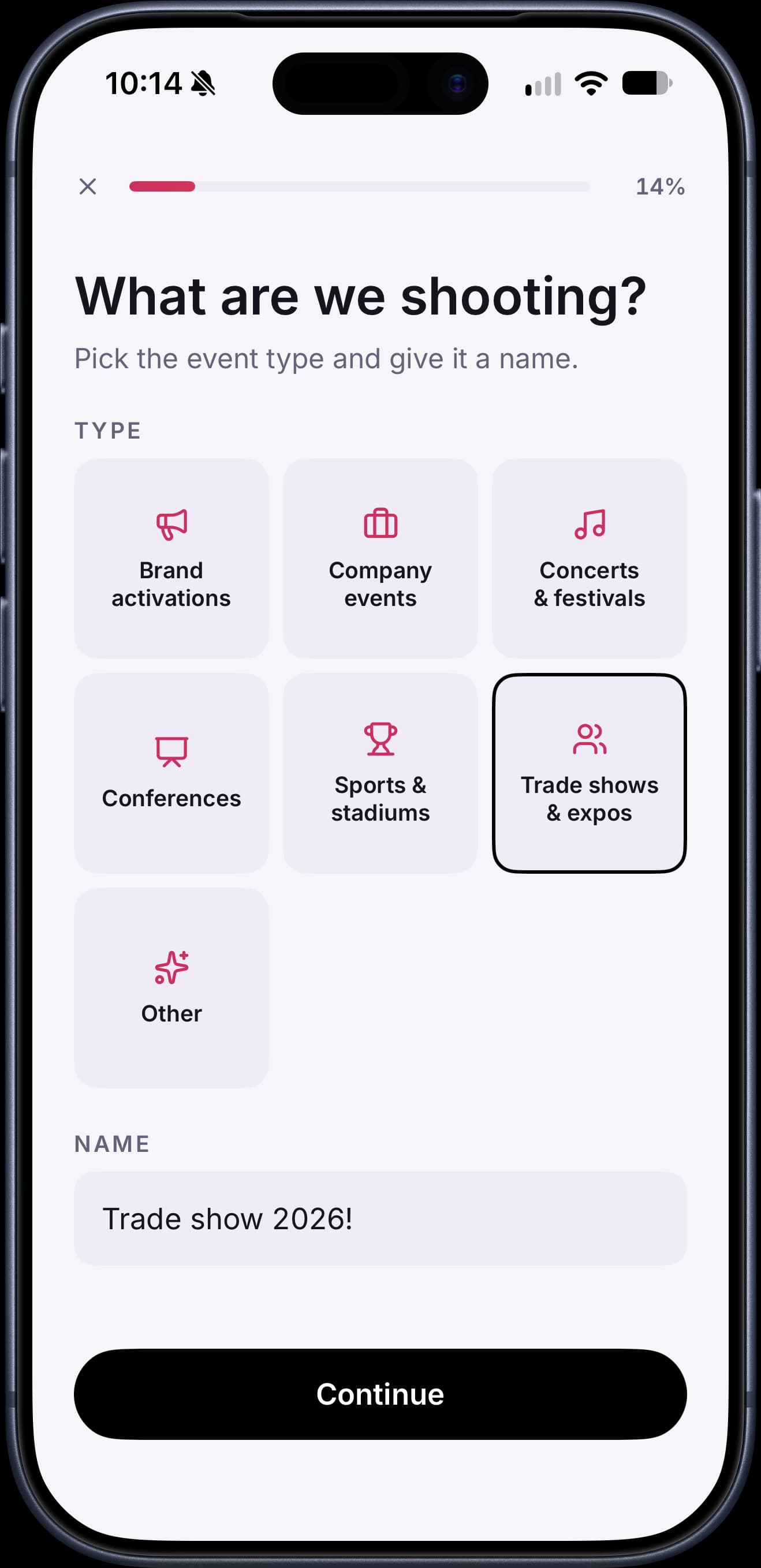
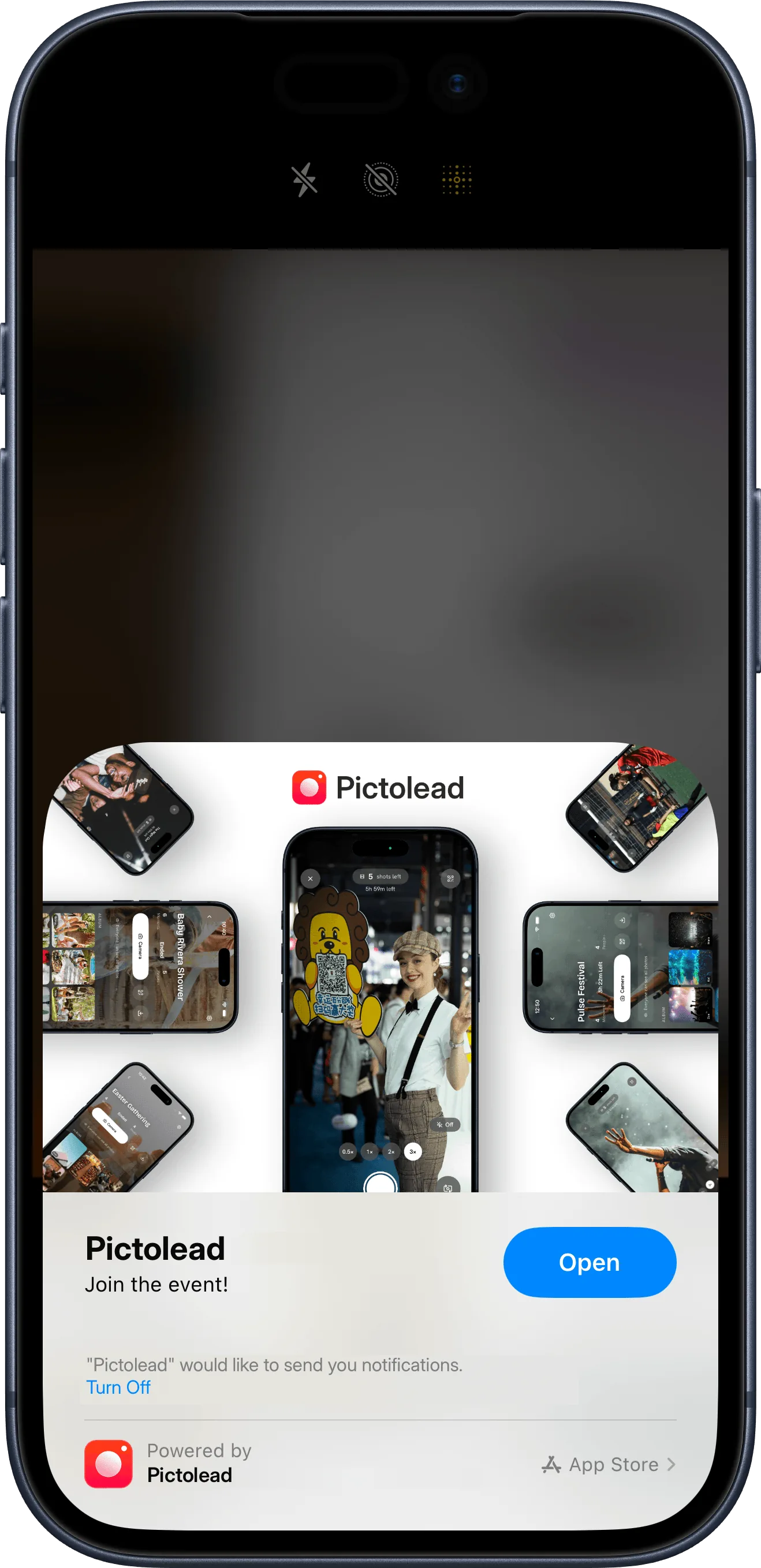
Four steps, from setup to report
Build the activation
From the iPhone app or the web console. Pick the format, name it and set when guests can start and stop shooting. Your branding, challenges and lead capture switch on in the same flow, and they're optional. You finish with a code, a QR and a link.
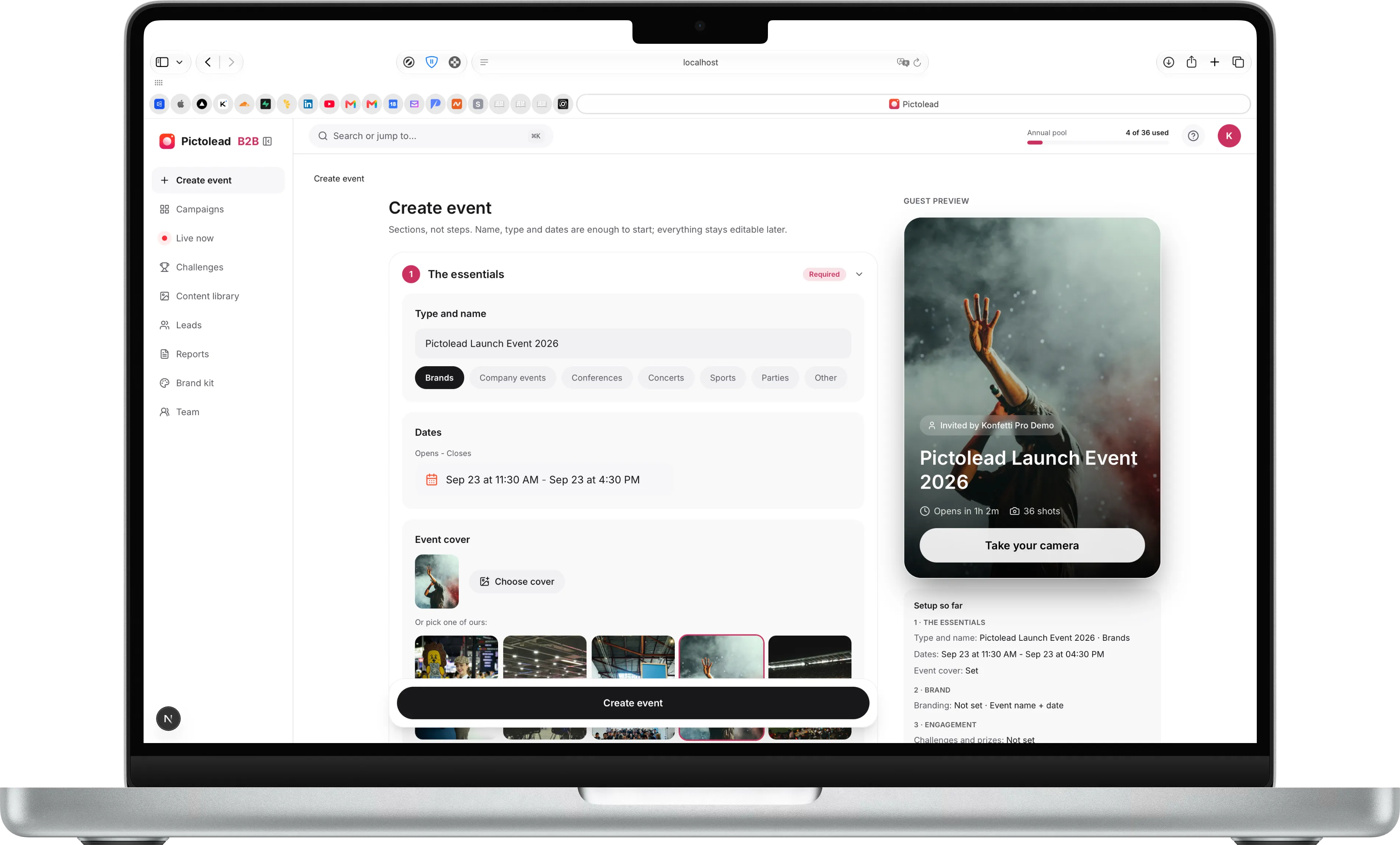
From your phone or your desk.
Format and dates
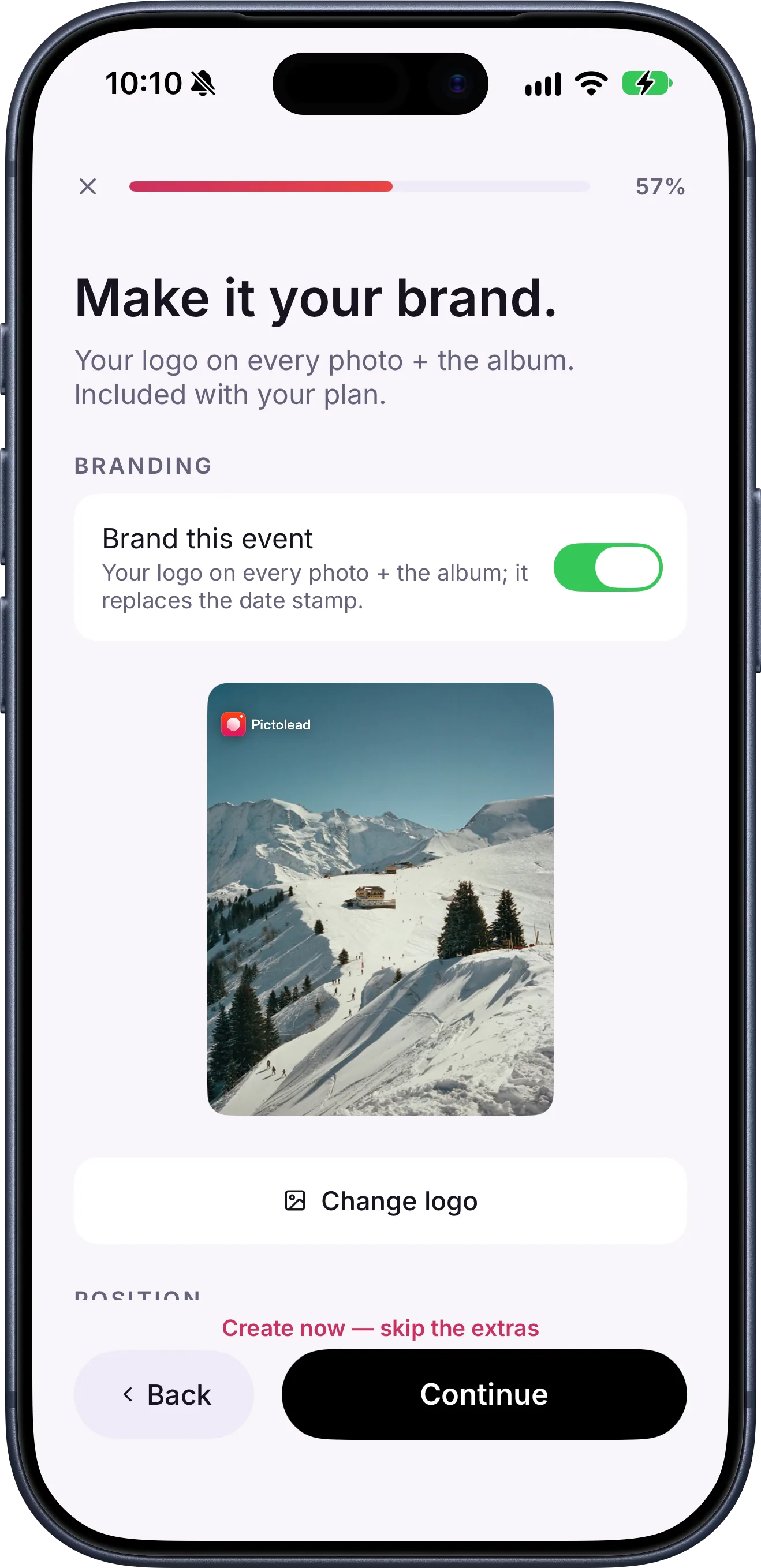
Your logo on every photo
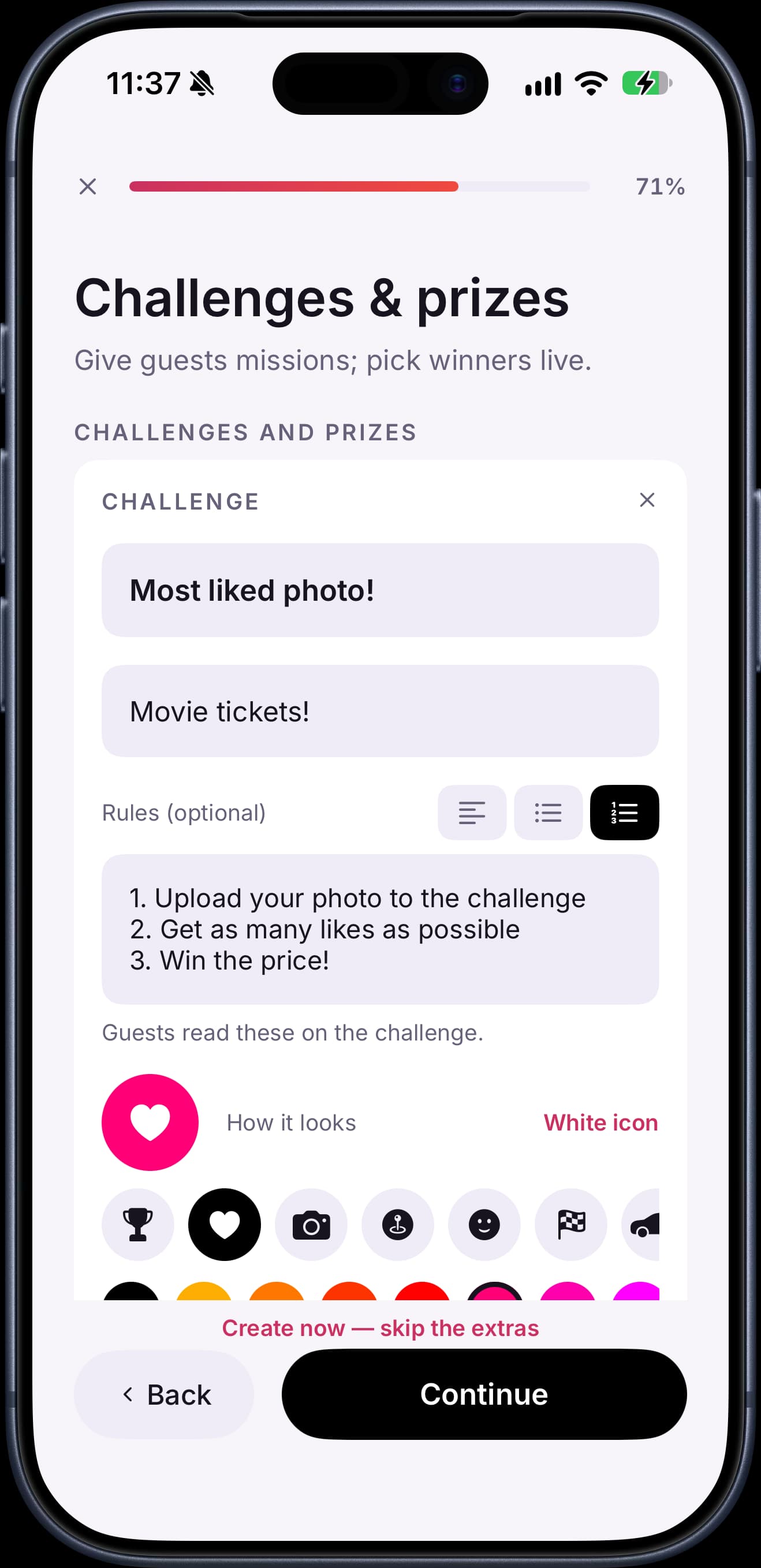
Challenges and prizes
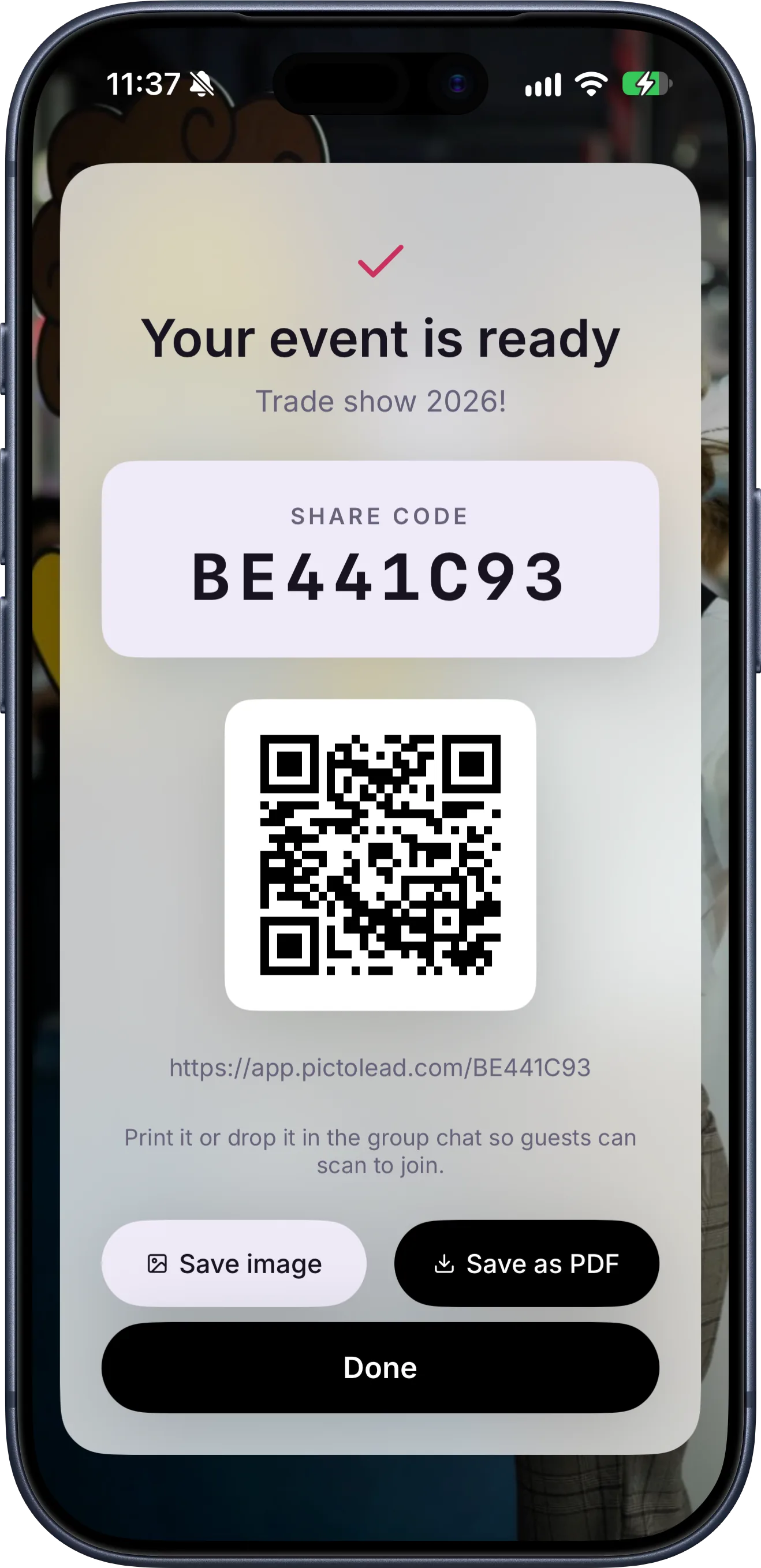
Your QR, ready
Guests scan and join
They point their camera at the QR (on the badge, the signage or the screen) and they're in within seconds: an App Clip on iPhone, the browser on Android. They type a nickname, grant reuse rights and start shooting. Nobody downloads anything or creates an account.
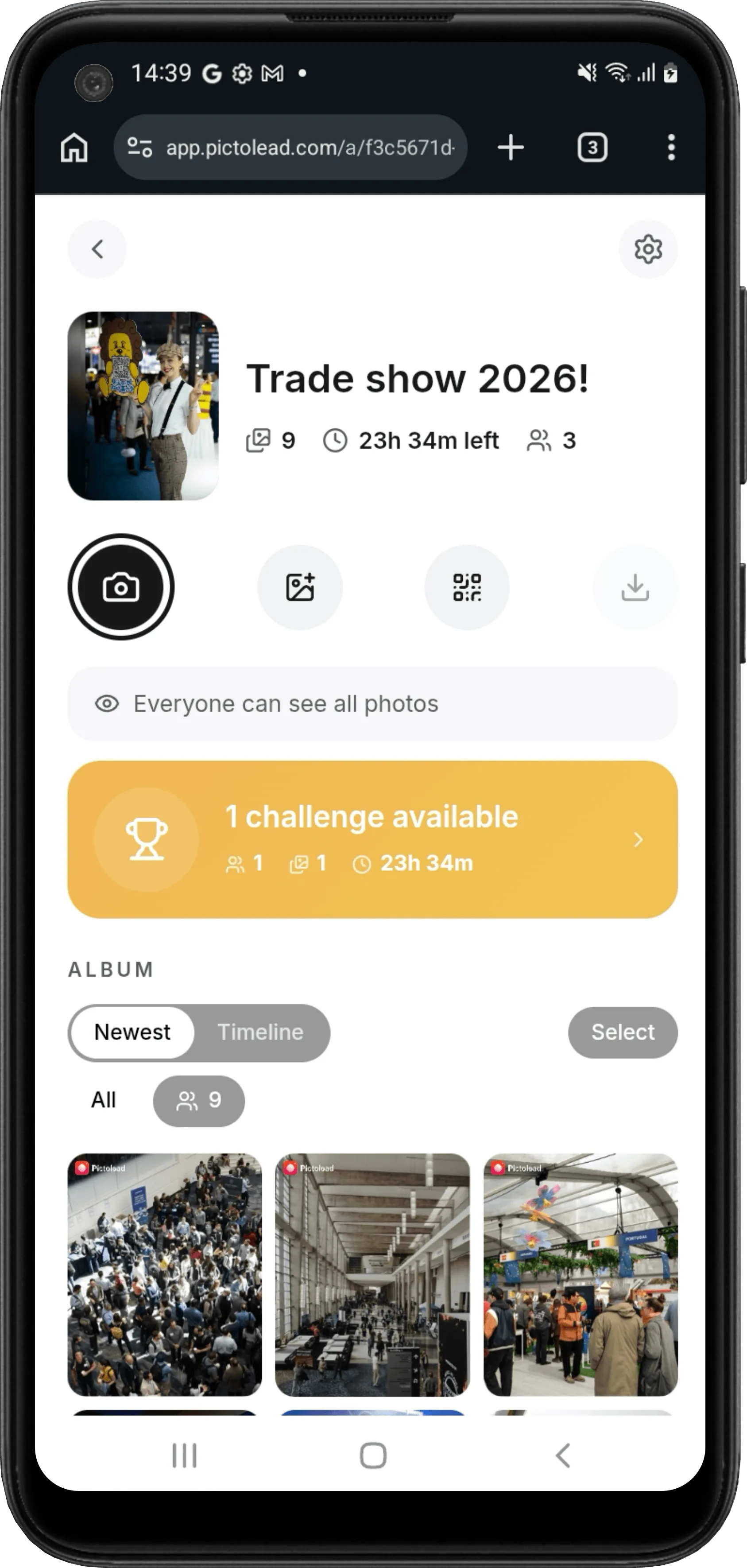
They play with your brand
Their photos appear on the live wall on the venue screens, with their name and hearts. Challenges with prizes give them a reason to keep shooting, and they vote on each other's photos. With lead capture on, the email is asked at the door or at their first challenge entry.
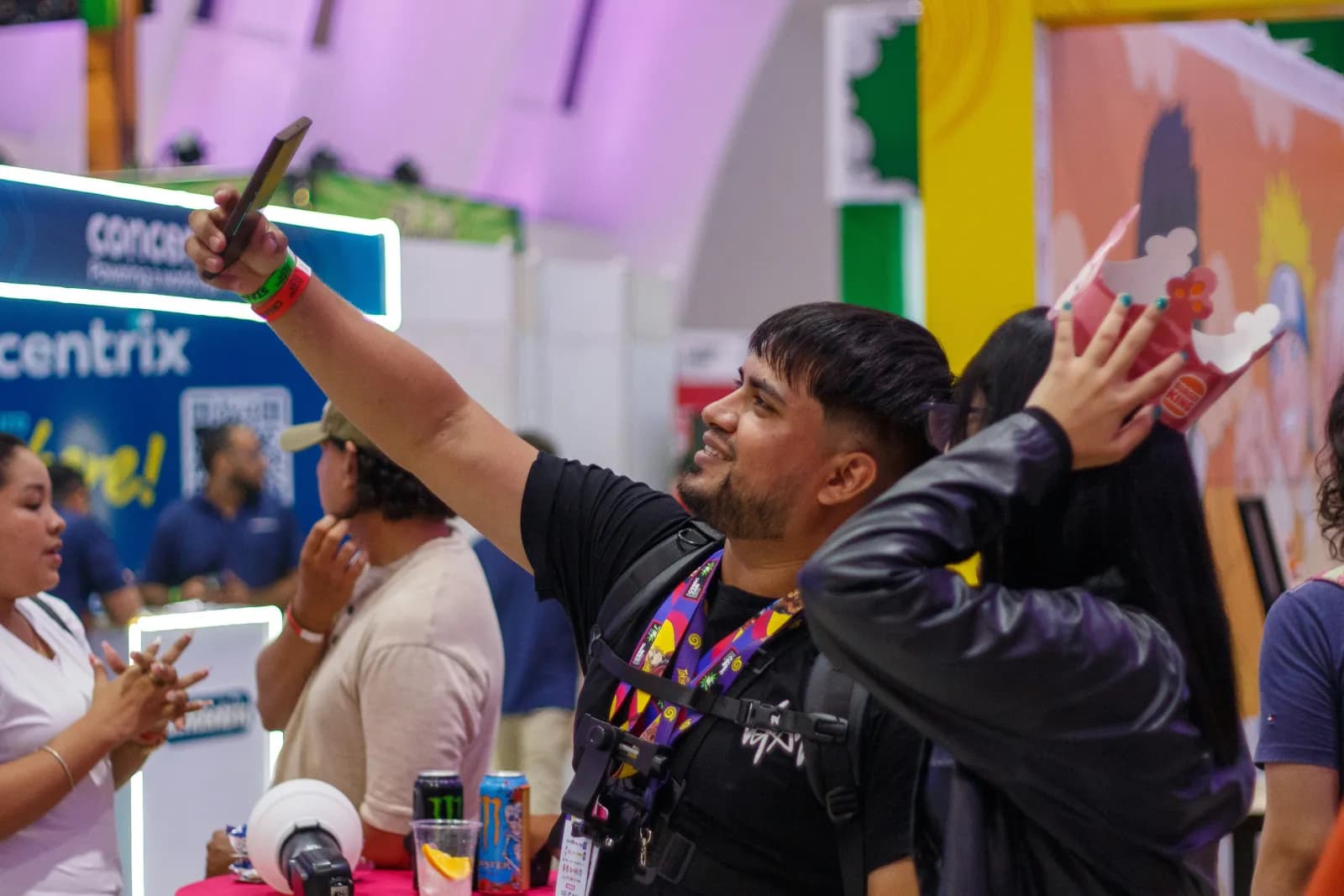
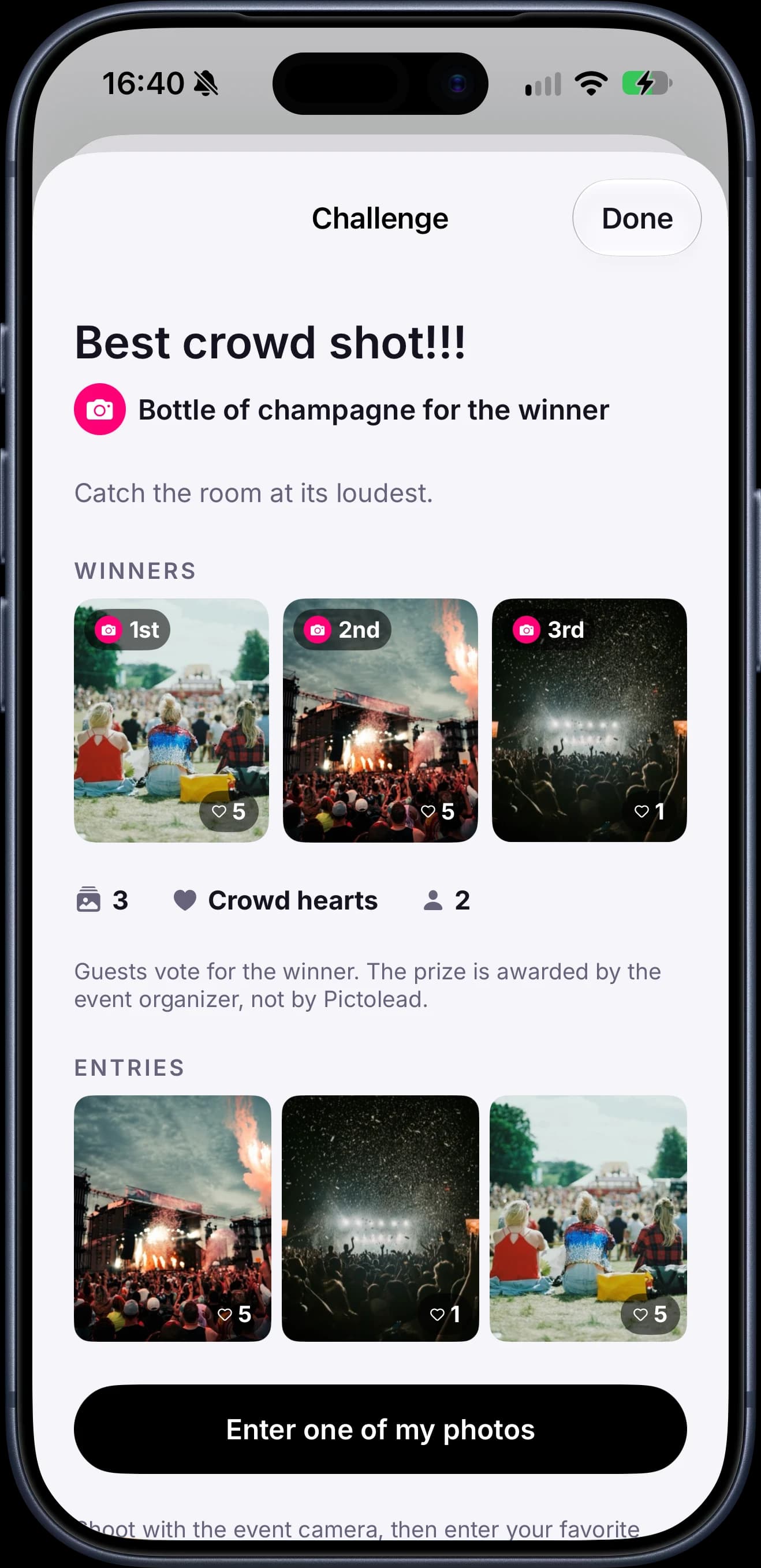
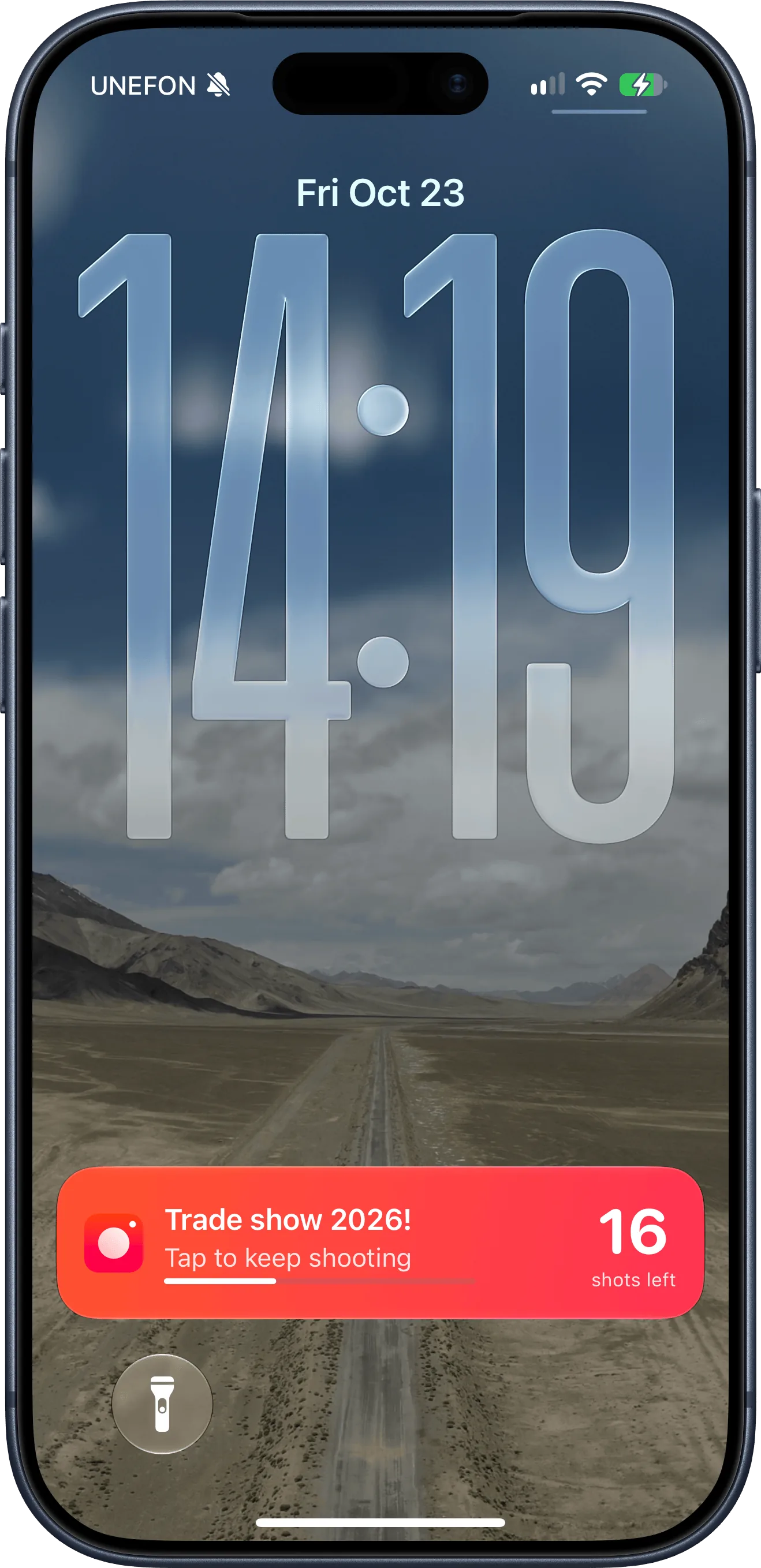
And they keep shooting.
Between shots, their iPhone lock screen shows how many shots they have left, and one tap takes them back to the camera.
You walk away with the result
When the event closes, the rights-cleared photos are in your library, the leads with their marketing opt-in are ready to export as CSV, and the report brings together participation, photos, hearts, challenges and rights coverage, ready to save as PDF.
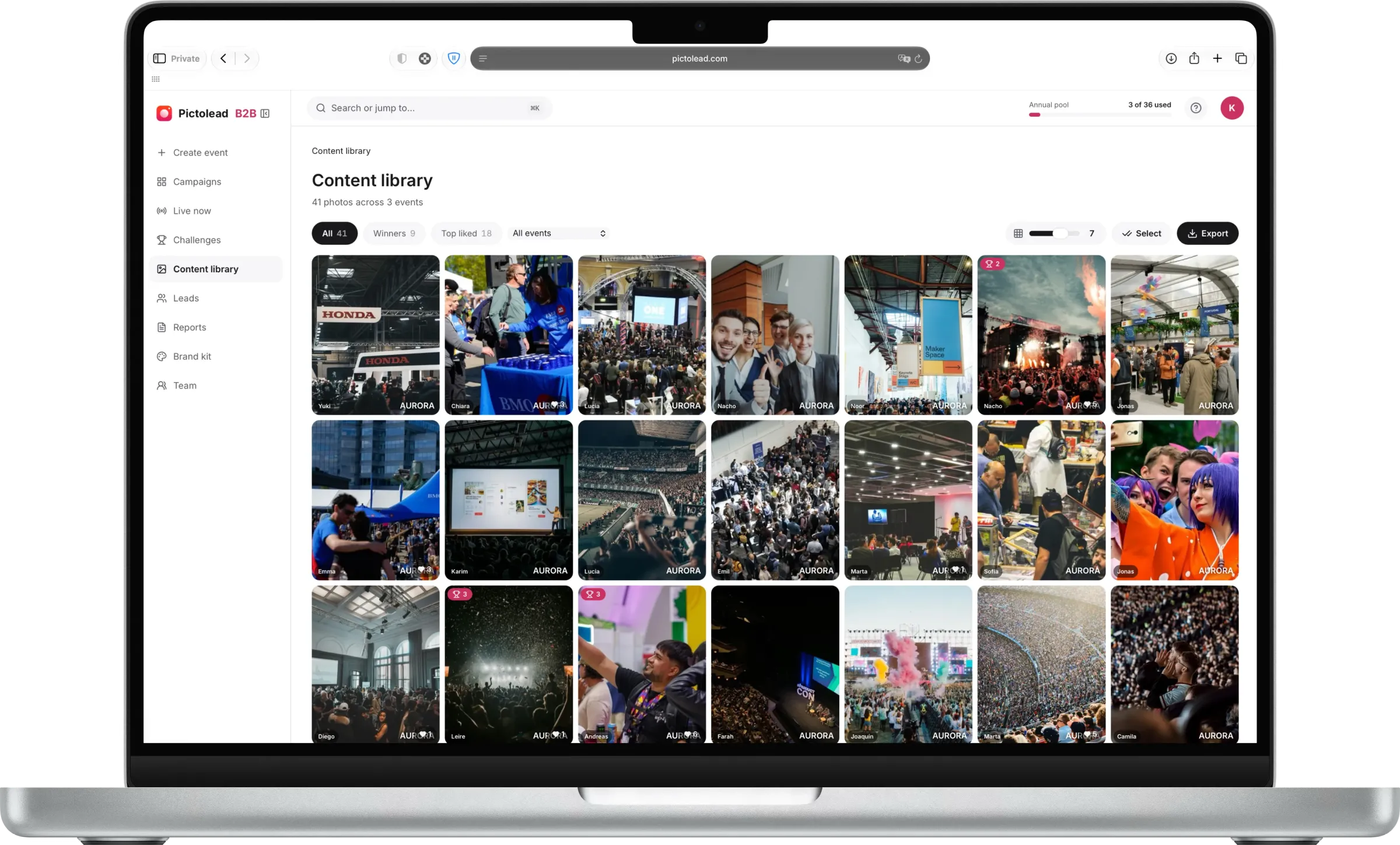
Inside the platform
Six pieces that come with every event. No add-ons, no third-party tools.
Your brand on every photo
Your logo pinned to the corner you pick: in the camera, in the album and on every download. It travels wherever the photo is posted.
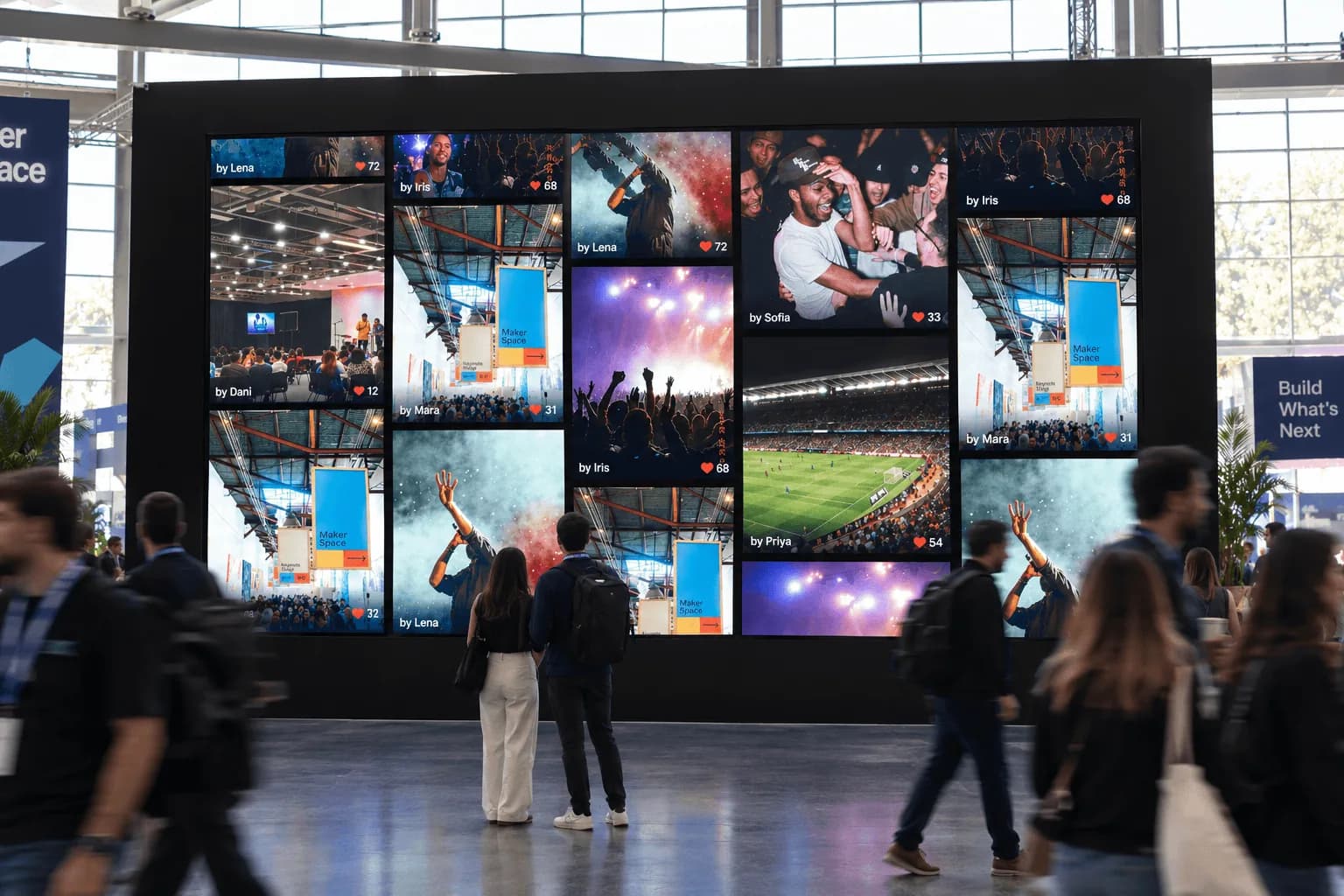
Live wall
A real-time wall for the venue screens, created with every event. Columns, speed, theme, names and hearts adjust on the fly.
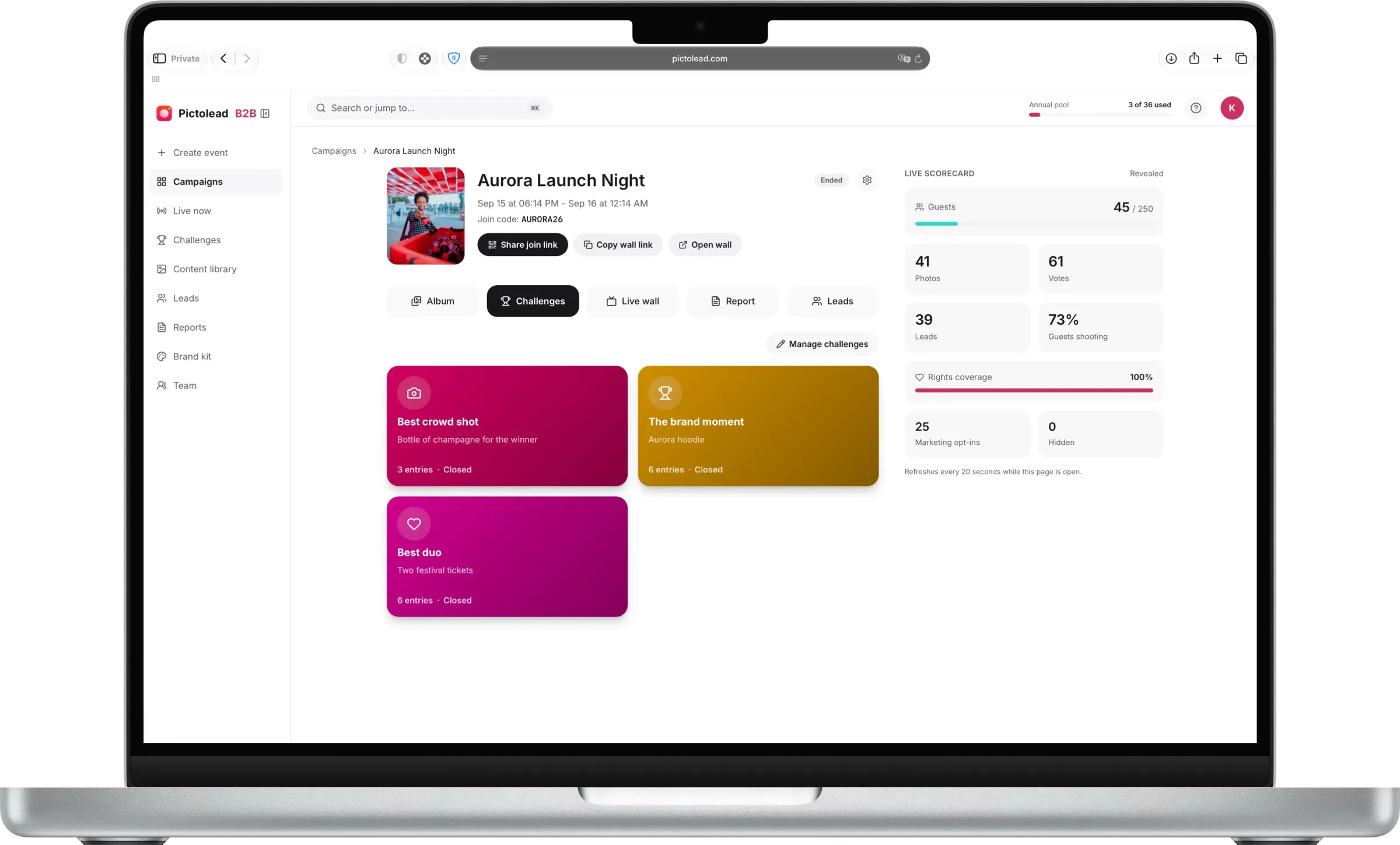
Challenges and hearts
Missions with prizes, judged by you or crowned by the crowd's hearts. One vote per photo, never your own.
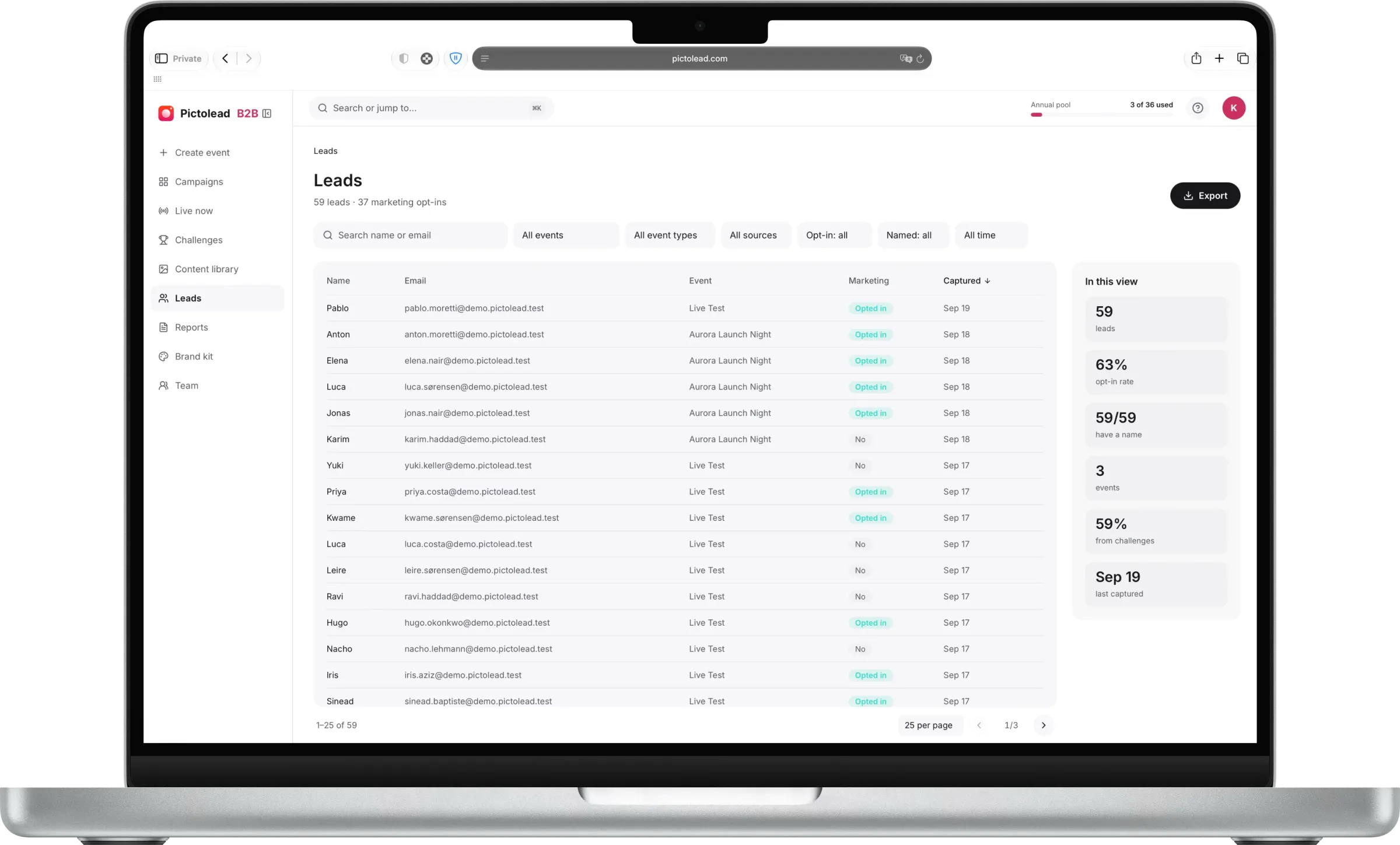
Lead capture
Email at the door or at the first challenge entry, with a separate marketing opt-in. Exports as CSV to your CRM.
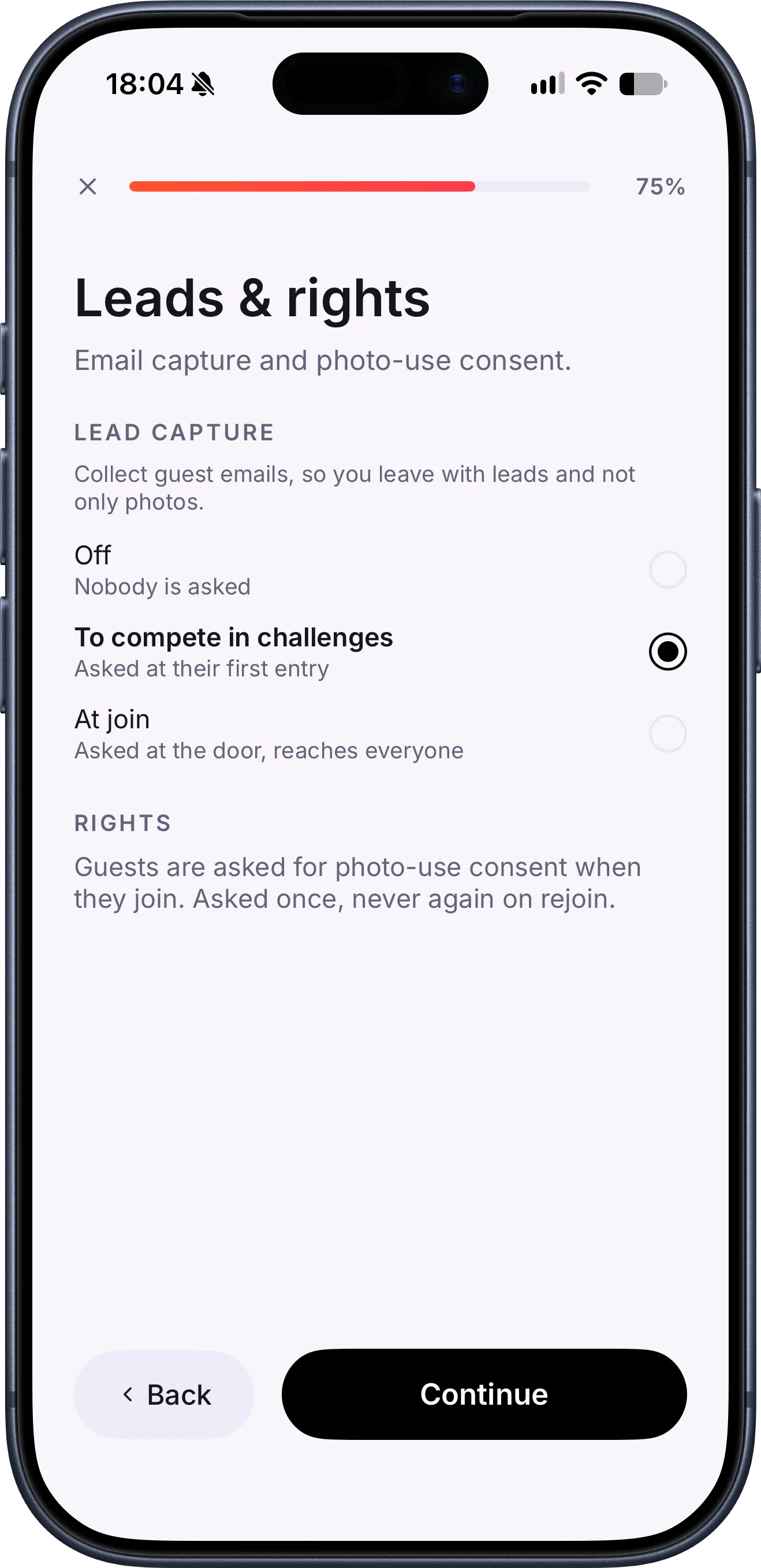
Rights at the door
Reuse consent is a condition of entry: each grant is sealed, versioned and counted in the report.
Campaign report
Participation, photos, hearts, challenges, leads and rights coverage, ready when the event closes and exportable as PDF.
What you don't need
No app
Guests join with a QR: an App Clip on iPhone, the browser on Android.
No hardware
No booths, kiosks or shipping. Just a screen, if you want the live wall.
No staff
No attendants or technicians on site. You follow the album from your phone.
And it gets along with what you already use: leads export as CSV to your CRM or marketing platform.
FAQ
Questions about how it works
How long does it take to set up an event?
- About a minute for the essentials: format, name and dates. Branding, challenges and lead capture are optional and added in the same flow, from the iPhone app or the web console.
Do guests have to download an app?
- No. They scan the event QR: an App Clip opens on iPhone and the browser on Android. They type a nickname, grant reuse rights and start shooting.
How do photo rights work?
- Every guest grants reuse rights before their first photo; without it they can't join. It's asked once, recorded, and the report shows how much of the album is covered.
How do I get the leads out?
- From the console, as a CSV with name, email and marketing opt-in per contact, ready to import into your CRM or marketing platform.
Do I need a screen for the live wall?
- Only if you want the wall. Any screen with a browser works: open the event's wall link and it updates on its own with every photo.
Put your next activation on Pictolead
One-off events from USD 500. Plans from USD 425 a month. See pricing
Get an instant quoteRather see it live? Email us
Not yet? Leave your email and we'll give you priority access when everything is ready.