
For concerts and festivals
Branded crowd photography for concerts and festivals
A festival generates more footage than any crew can shoot. A QR on the screens and the wristbands turns the audience into your content team — branded, consented, and sorted by stage and by night before the load-out finishes.
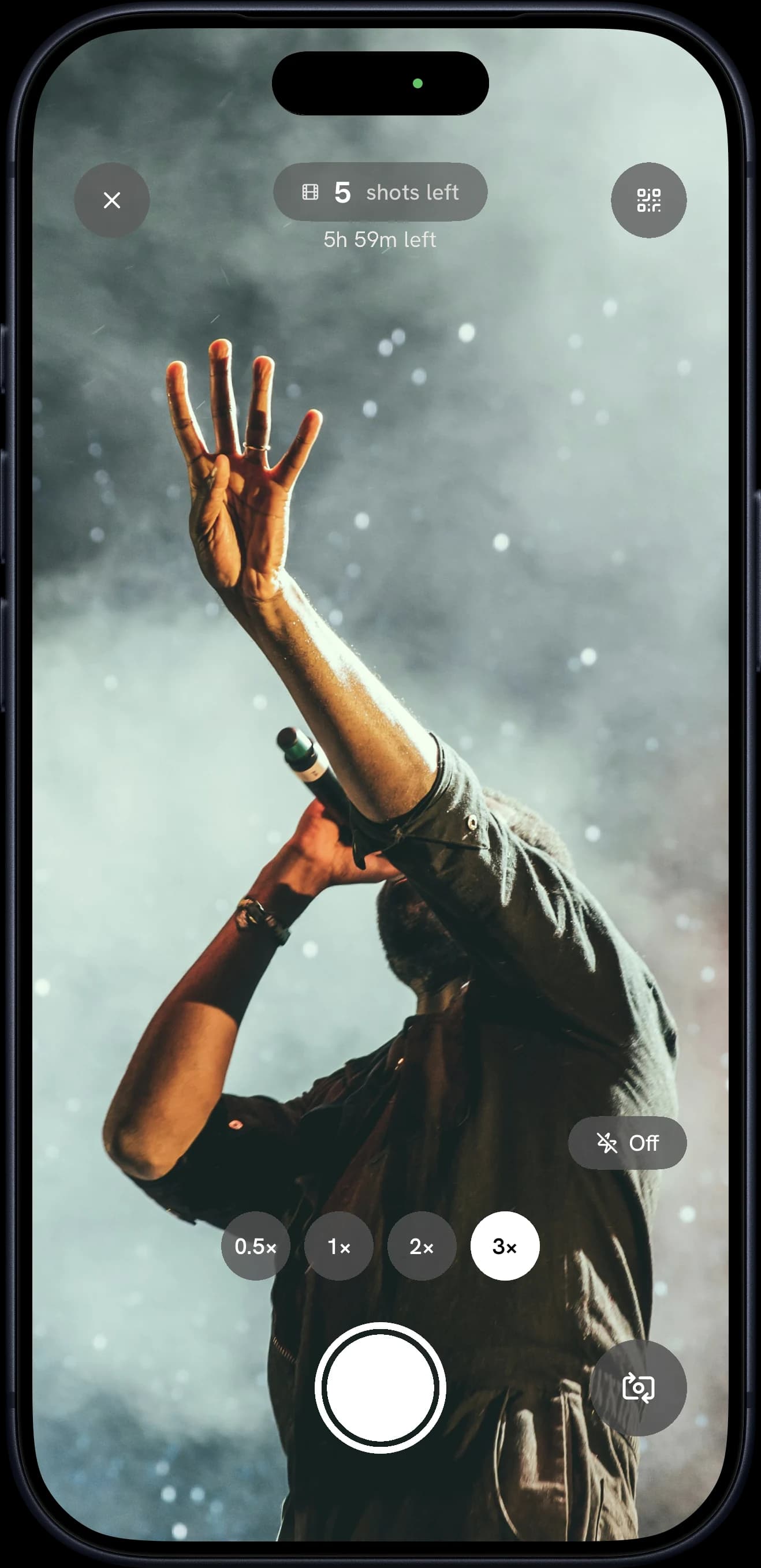
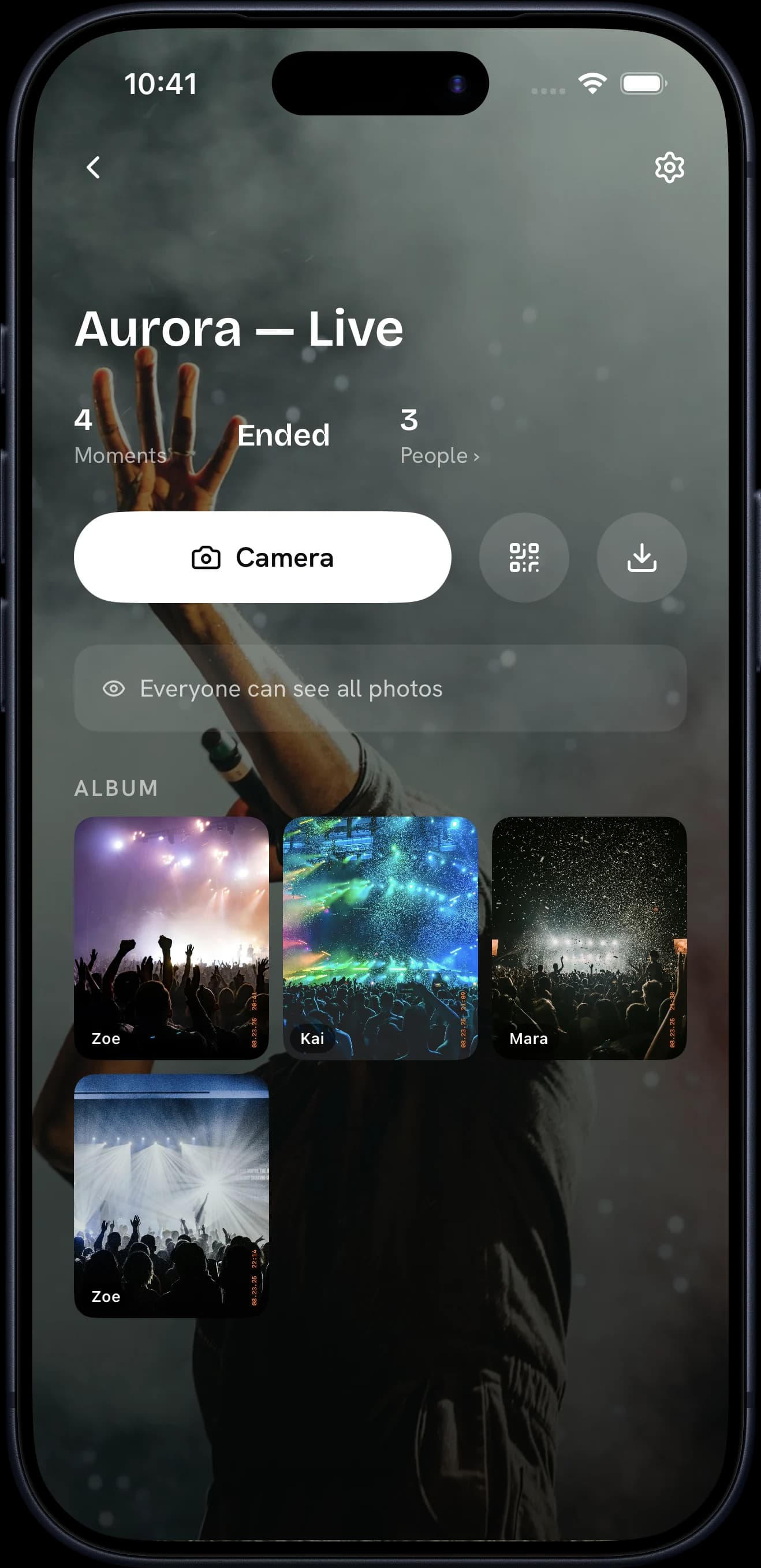
“Nobody shoots a crowd the way the crowd does.”
The problem
Why doesn't the crowd's content work for the festival?
Fans film every set. The clips land on their feeds without your name or your sponsors', and none of it comes back to you.
Your crowd, their camera rolls
The best angles of your show sit on phones you will never see.
Sponsors want proof
A banner on the stage is hard to measure once the lights go down.
No rights to reuse it
Reposting a fan's photo means asking permission, one fan at a time.
The solution
 Pictolead
The crowd's photos land in your library, branded and rights-cleared, and the report proves reach to sponsors.
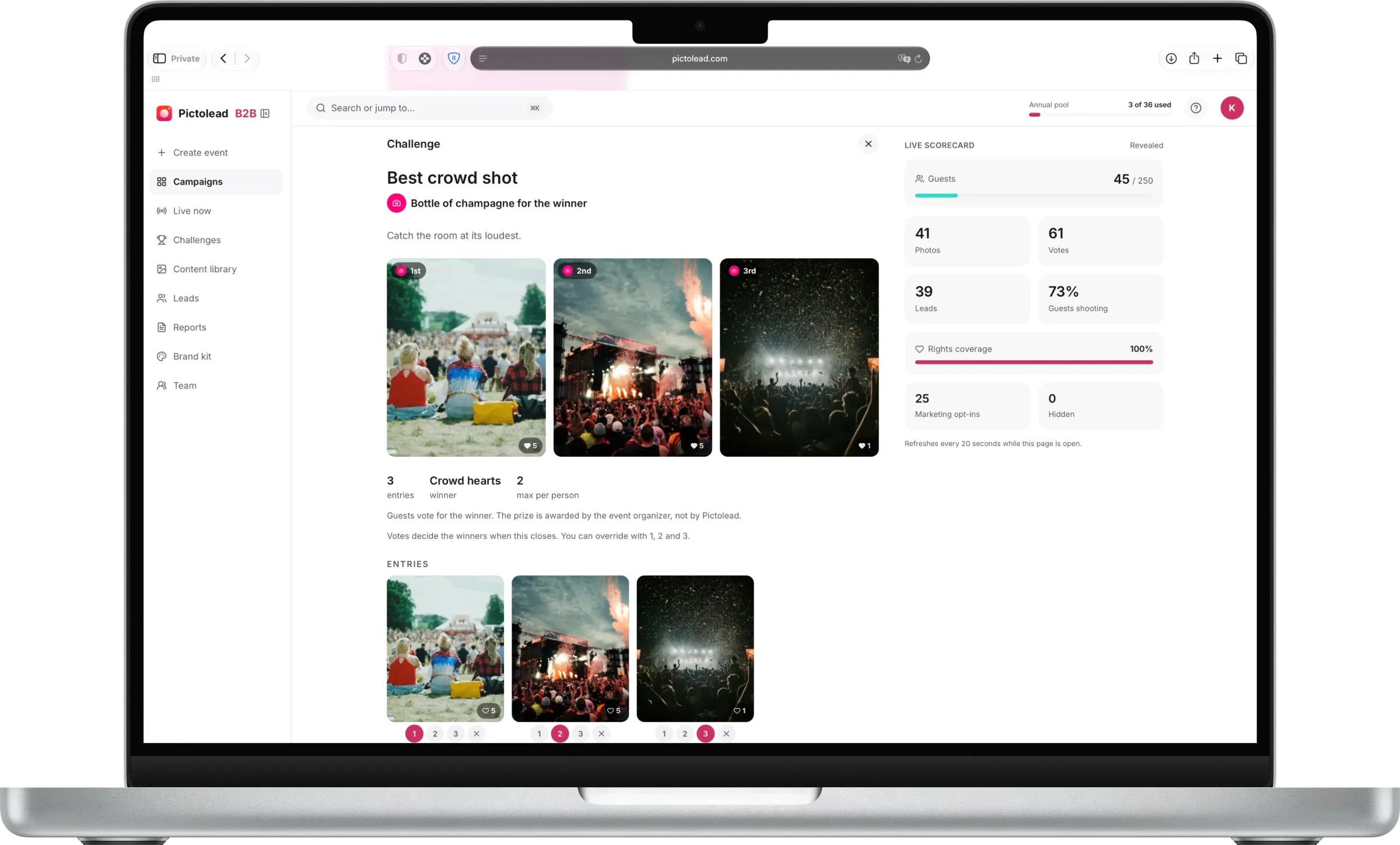
Challenges
Give the room a mission.
Optional — and the single biggest lever on how much content an event produces. An activation can ship with photo missions you write, each with a prize at the end, so guests shoot on purpose instead of by accident. Participation climbs and you get the shots you actually wanted. Winners are picked by you or crowned by the crowd's hearts.
Turn around
Shoot the crowd, not the stage.
Winner: Crowd hearts
Your best angle
One photo from exactly where you are standing. No moving.
Winner: Crowd hearts
Stage to stage
A photo at each stage before the last set ends.
Winner: Judged by you
Examples for this event type — you write your own in the dashboard, or start from a saved template.
What you walk away with
The event is over in hours. The content works for months.
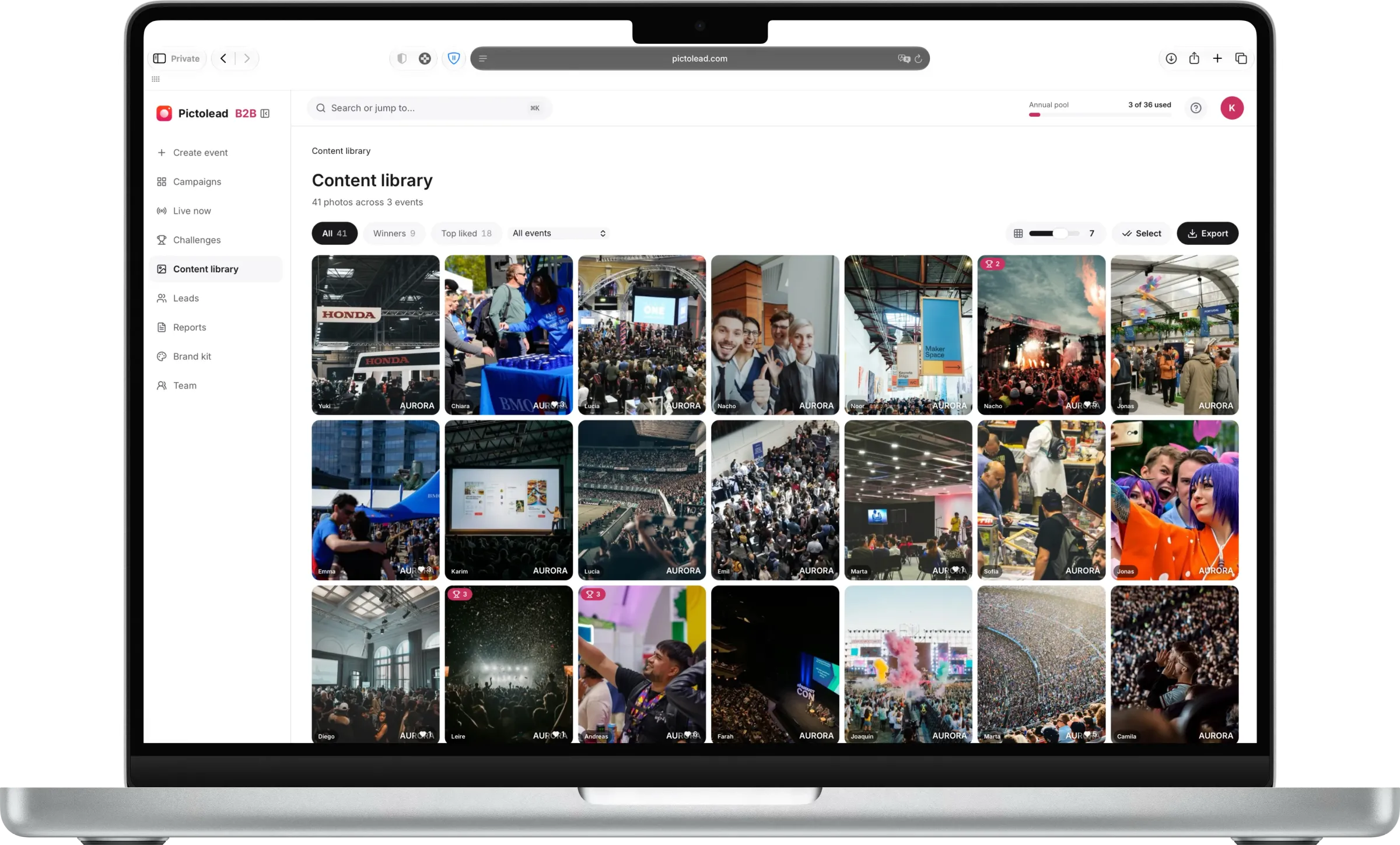
Rights-cleared UGC
The crowd's angles on every set, branded with your festival and cleared for your channels.
A warm list
Fans leave an email to enter a challenge, with a separate marketing opt-in. A list for the next line-up announcement.
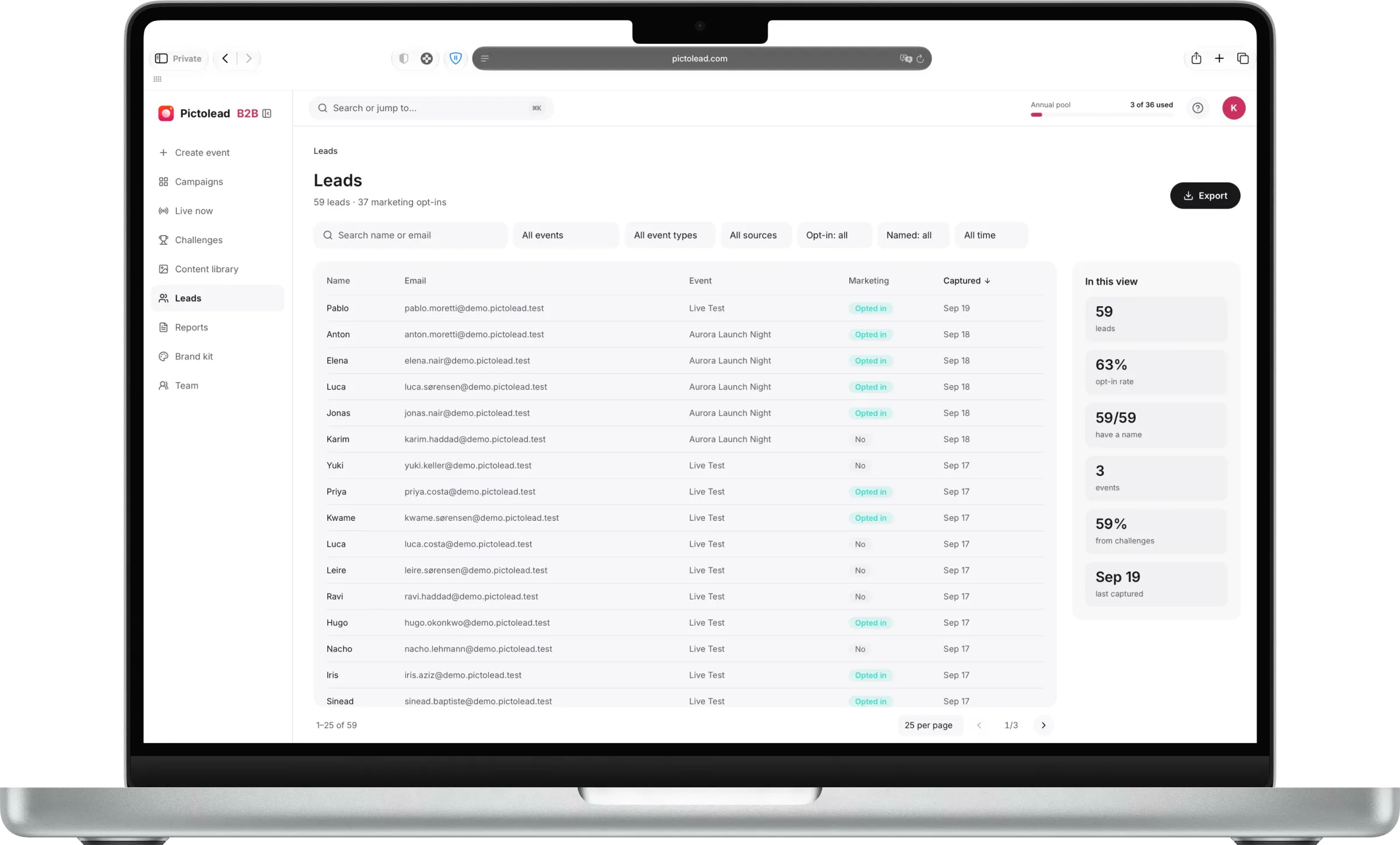
More than photos — a marketing asset.
A content library you own
Every photo develops into one shared album you download in high resolution, yours to post, edit, and run as campaigns.
Authentic beats polished
Fan-shot photos from inside the moment outperform staged content on social, and you get hundreds of them per event.
Frictionless means more content
Guests join from a QR code with no app to download, so participation stays high and the photos pour in.
Your event, your rules
Private by default, with host moderation and a reveal you control. Turn the unlock into its own social moment.
Reach you didn't buy
Guests post their own UGC because they look good in it, and your logo is already in the frame. Every share reaches an audience that trusts the person posting — distribution you never bid for.
FAQ
Festival and concert questions
How does a festival crowd join without downloading anything?
- A QR code on the stage screens, wristbands or signage opens the camera in the browser. Fans start shooting in seconds, which matters when the window between sets is short and nobody is going to install an app.
Can we brand photos with sponsors as well as the festival?
- Yes. Every photo carries your branding, and sponsor marks can run alongside it. Because the branding is applied at capture, a sponsor's logo travels with every image a fan posts to their own social feed.
How do we moderate what the crowd shoots?
- Moderation runs in real time. An admin reviews incoming photos and can remove anything before it reaches the live wall or the shared album, which is what makes it safe to put crowd content on a main-stage screen.
Can we separate photos by stage and by day?
- Yes. A multi-day or multi-stage festival can run separate events, so content arrives already sorted rather than as one undifferentiated dump you have to sift through after the load-out.
What happens if the venue has poor mobile signal?
- The camera runs in the browser and needs connectivity to upload. At large-capacity venues we recommend the activation sits where your existing crowd wifi or DAS coverage reaches, and photos taken during a drop upload once the phone reconnects.
Will fans share the photos on their own accounts?
- That is the whole idea. Fans post their own photos because they look good in them, and your festival and sponsor marks are already in the frame — so each share reaches that fan's followers, the audience most likely to buy a ticket next year.