
For company events
Branded photo capture for your company event
Kick-offs, all-hands, holiday parties, off-sites. Every employee shoots from the phone already in their hand, every photo carries your brand, and you finish with an internal-comms library that's cleared for use — instead of chasing forty people for their camera roll.
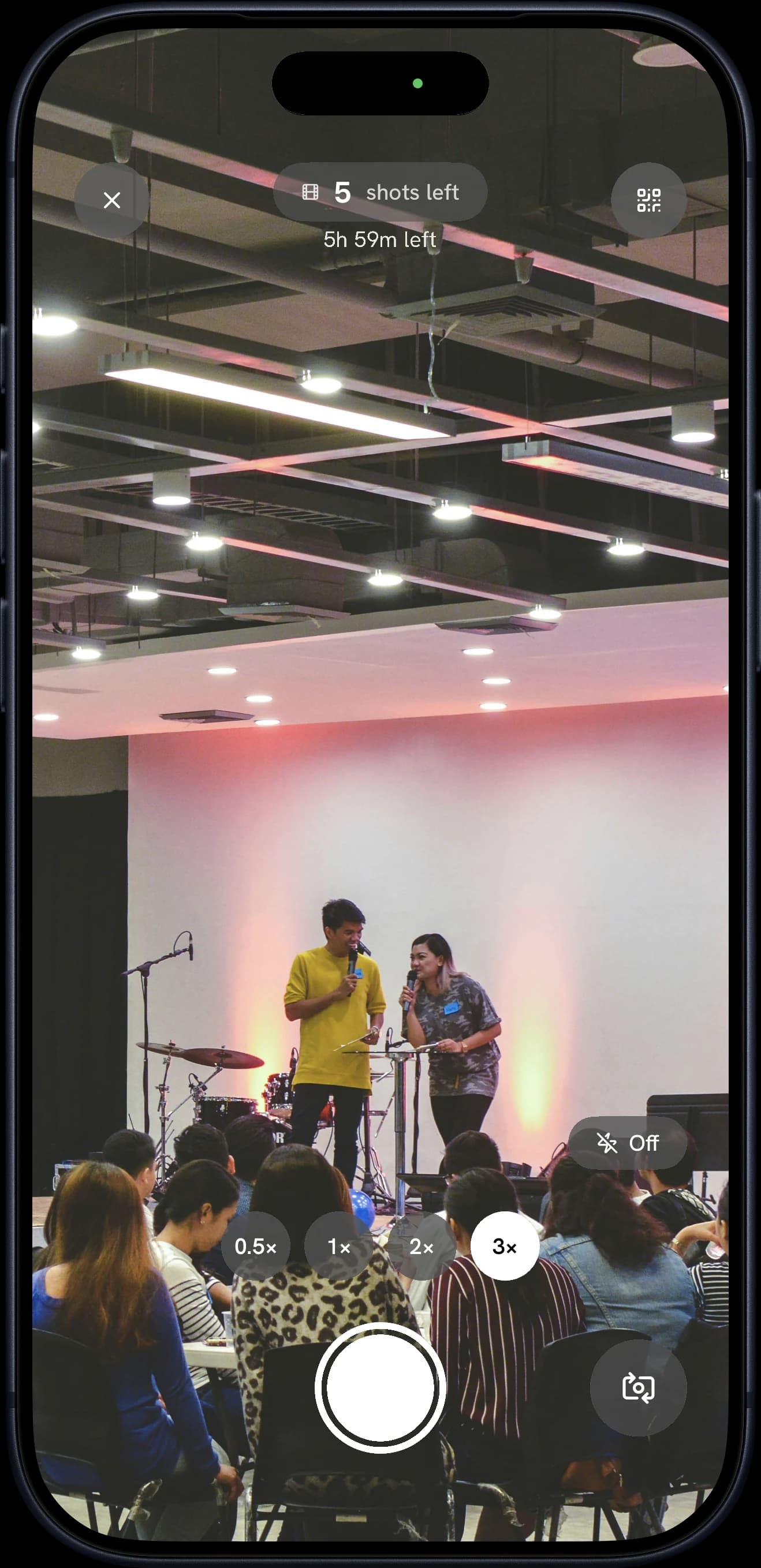
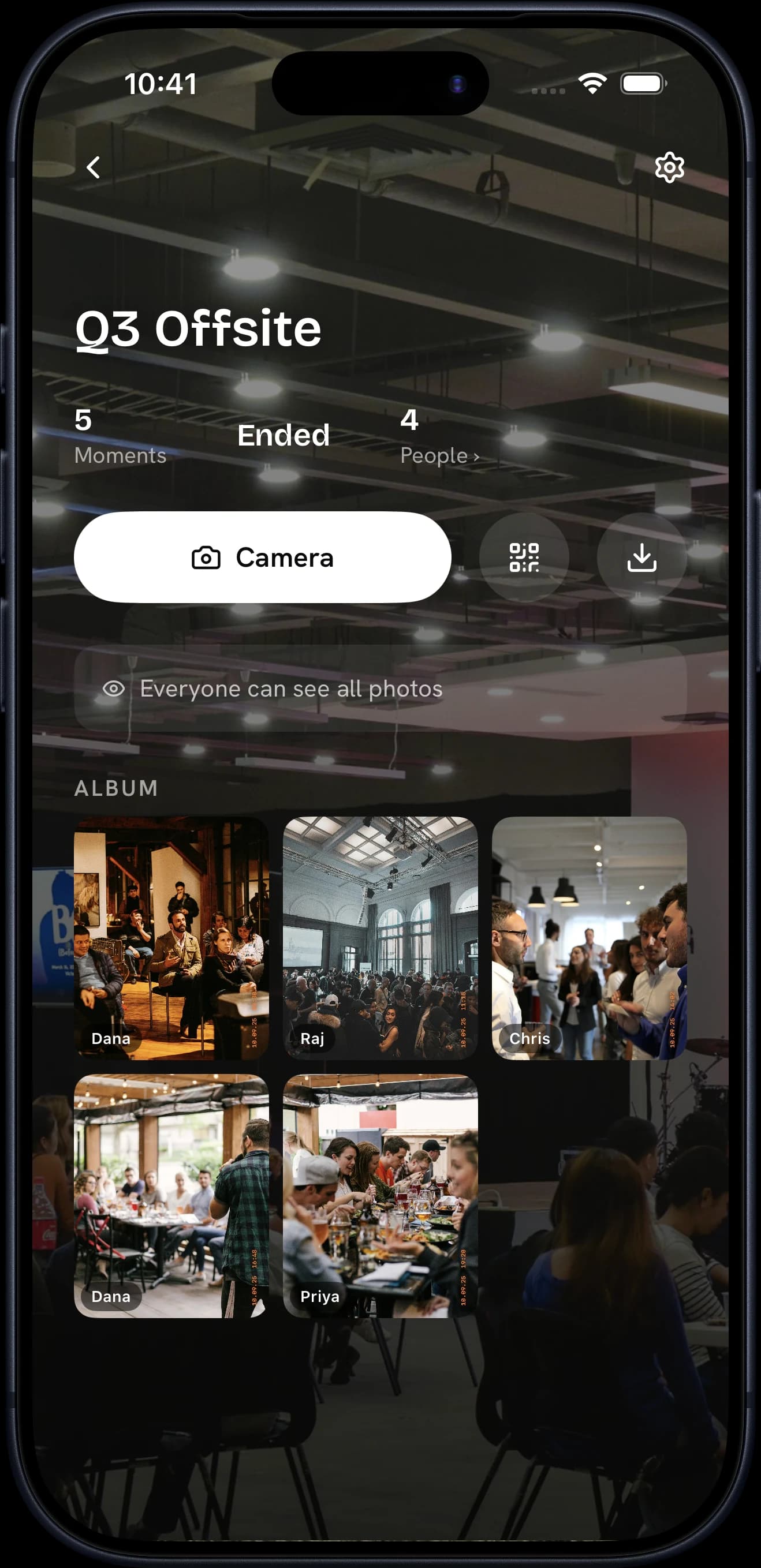
“The best shots from the off-site are sitting on three hundred phones.”
The problem
Why do company events leave so little behind?
The kickoff, the off-site and the year-end party happen once. The photos end up on a few hundred phones, and internal comms is left asking for them in the group chat.
The photos are scattered
Everyone took some. Nobody sends them, and nobody knows where they are.
One photographer, one angle
The official shots cover the stage, not the tables.
Participation is guesswork
You planned it for the whole company. Showing who took part is hard.
The solution
 Pictolead
Every photo lands in one branded album, from every angle, and the report tells you how many people took part.
Challenges
Give the room a mission.
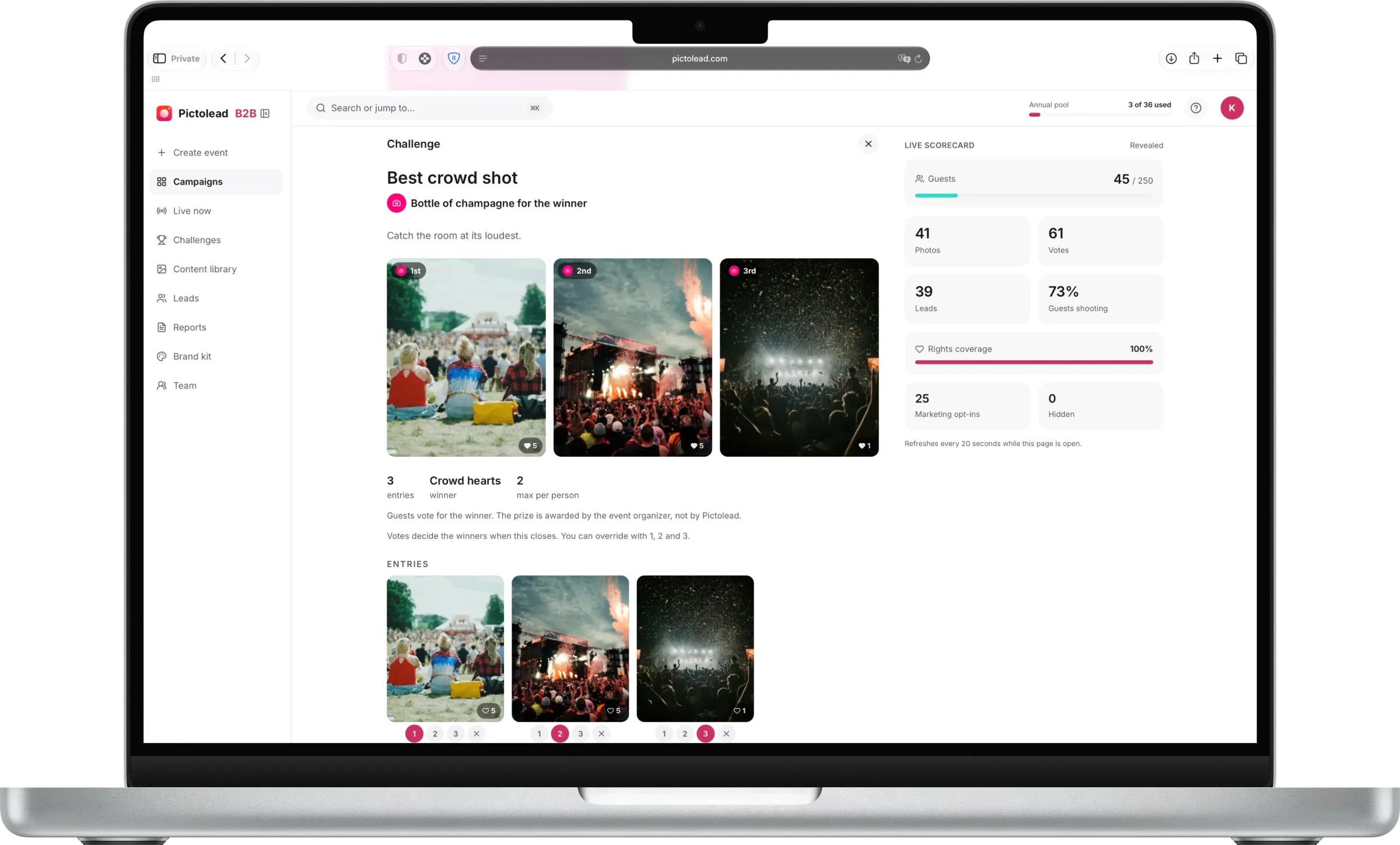
Optional — and the single biggest lever on how much content an event produces. An activation can ship with photo missions you write, each with a prize at the end, so guests shoot on purpose instead of by accident. Participation climbs and you get the shots you actually wanted. Winners are picked by you or crowned by the crowd's hearts.
New face
Photograph someone you have never worked with before.
Winner: Crowd hearts
Whole table
Your entire table in one frame. Nobody cropped out.
Winner: Judged by you
Before it was official
The moment just before everyone realised there was a camera.
Winner: Crowd hearts
Examples for this event type — you write your own in the dashboard, or start from a saved template.
What you walk away with
The event is over in hours. The content works for months.
Rights-cleared UGC
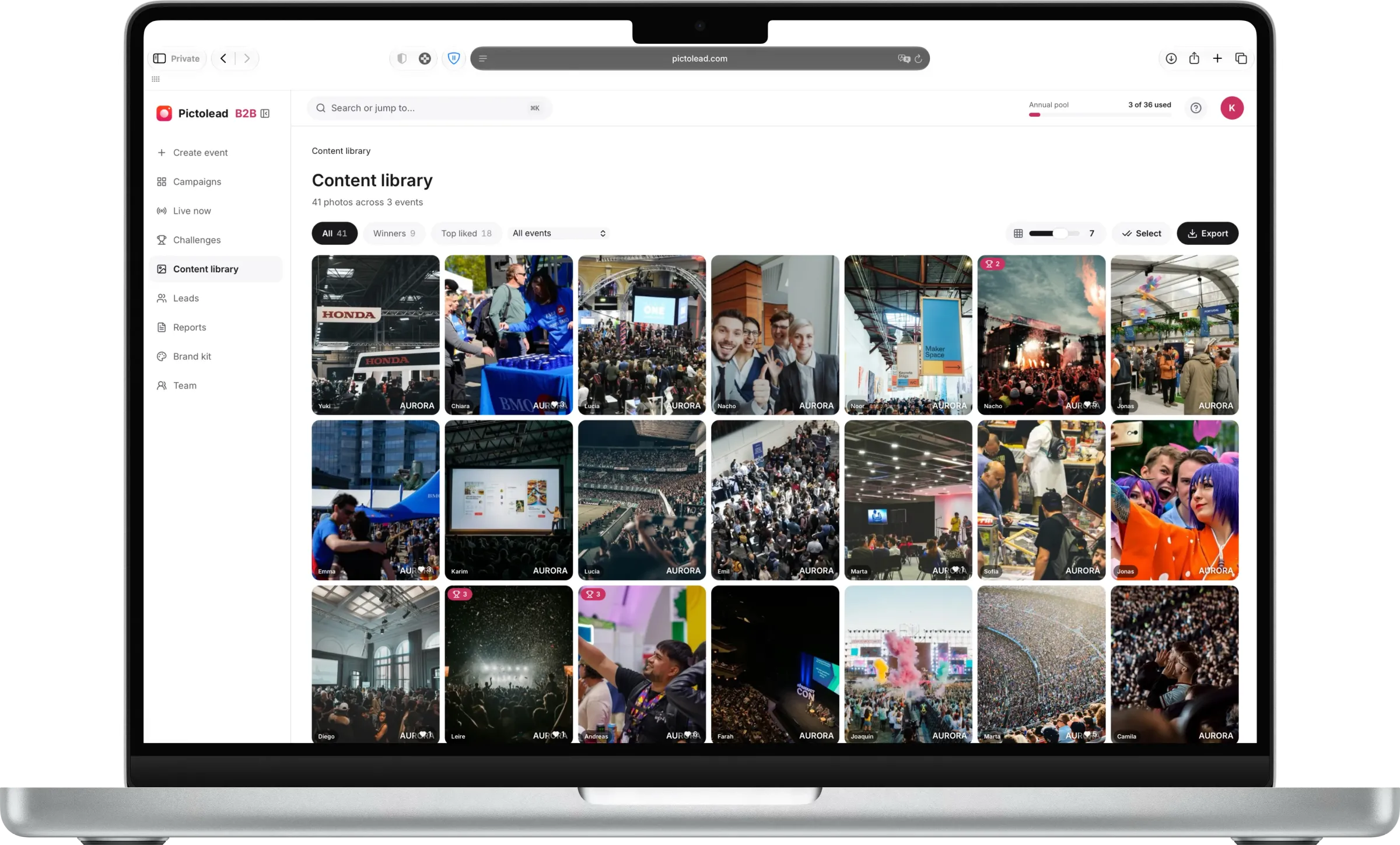
Every table, speech and candid in one library, with photo-use consent on record. Ready for the intranet, the recap and next year's invitation.
More than photos — a marketing asset.
A content library you own
Every photo develops into one shared album you download in high resolution, yours to post, edit, and run as campaigns.
Authentic beats polished
Fan-shot photos from inside the moment outperform staged content on social, and you get hundreds of them per event.
Frictionless means more content
Guests join from a QR code with no app to download, so participation stays high and the photos pour in.
Your event, your rules
Private by default, with host moderation and a reveal you control. Turn the unlock into its own social moment.
Reach you didn't buy
Guests post their own UGC because they look good in it, and your logo is already in the frame. Every share reaches an audience that trusts the person posting — distribution you never bid for.
FAQ
Company event questions
How do employees join a company event camera?
- They scan a QR code shown on screens, tables or badges, and the camera opens in the browser. No app install and no company login, which means contractors, guests and partners can take part on the same terms as staff.
Can we use the photos in internal comms and recruiting?
- Yes. Photos land in a rights-cleared library you own, so they can be used in internal newsletters, intranet posts, careers pages and recruiting material. The campaign report documents rights coverage so comms teams know what is cleared before publishing.
What about employees who do not want to be photographed?
- Taking part is opt-in: nobody is photographed unless they choose to shoot or appear. Moderation tools let an admin review and remove any image before it reaches the live wall or the shared album.
Does it work across several offices on the same day?
- Yes. A single event can run across multiple locations at once, with every office shooting into the same branded album. Distributed teams end up in one shared record of the day instead of separate regional folders.
Can IT approve it without installing anything?
- There is nothing to install, no hardware to procure and no device management involved, because the experience runs in the browser. That usually reduces the review to a standard vendor and data-handling check.
Can employees post their own photos afterwards?
- Yes, and for employer branding that is the point. Employees download their shots and post them to their own feeds with your logo already in the image, so it reaches candidates through people who actually work for you rather than through a recruitment ad.